
How to Search Cases by Name
A name search goes better once you know the court and case type. Pull the exact legal name from a notice or a filed paper rather than guessing. Common names are a nuisance. Narrow them with a filing year, the court, case type, a hearing date, or an attorney. re:SearchTX demands a sign-in and can filter eligible results, but the depth of its Camp coverage depends on your access level.
- Identify whether the matter is district, county, JP, municipal, appellate, or federal.
- Sign in to the proper official portal when one serves that court.
- Enter surname and given name with exact spelling first.
- Add county, court, type, and date filters to reduce false matches.
- Open the result and verify the style, court, and cause number.
| Field | Type | Required | Use |
|---|---|---|---|
| Party name | Text | Search-dependent | Start exact, then test a careful variation |
| County or court | Filter | No | Narrow to Camp and the likely court |
| Case type | Filter | No | Separate civil, family, and other eligible records |
| Date range | Date | No | Use the likely filing or hearing period |
Four Camp County Case Search Modes
The official re:SearchTX quick guide lists four search modes: Cases, Filings, Text, and Hearings. A Cases search opens the case description and whatever detail is available. Filings zeroes in on submitted items, while Text searches eligible indexed content. Hearings can surface a hearing type and date. Filters sit on the left side. Advanced tabs, saved searches, and exports are there too, all depending on your access.
The re:SearchTX source lands on the statewide search page itself.
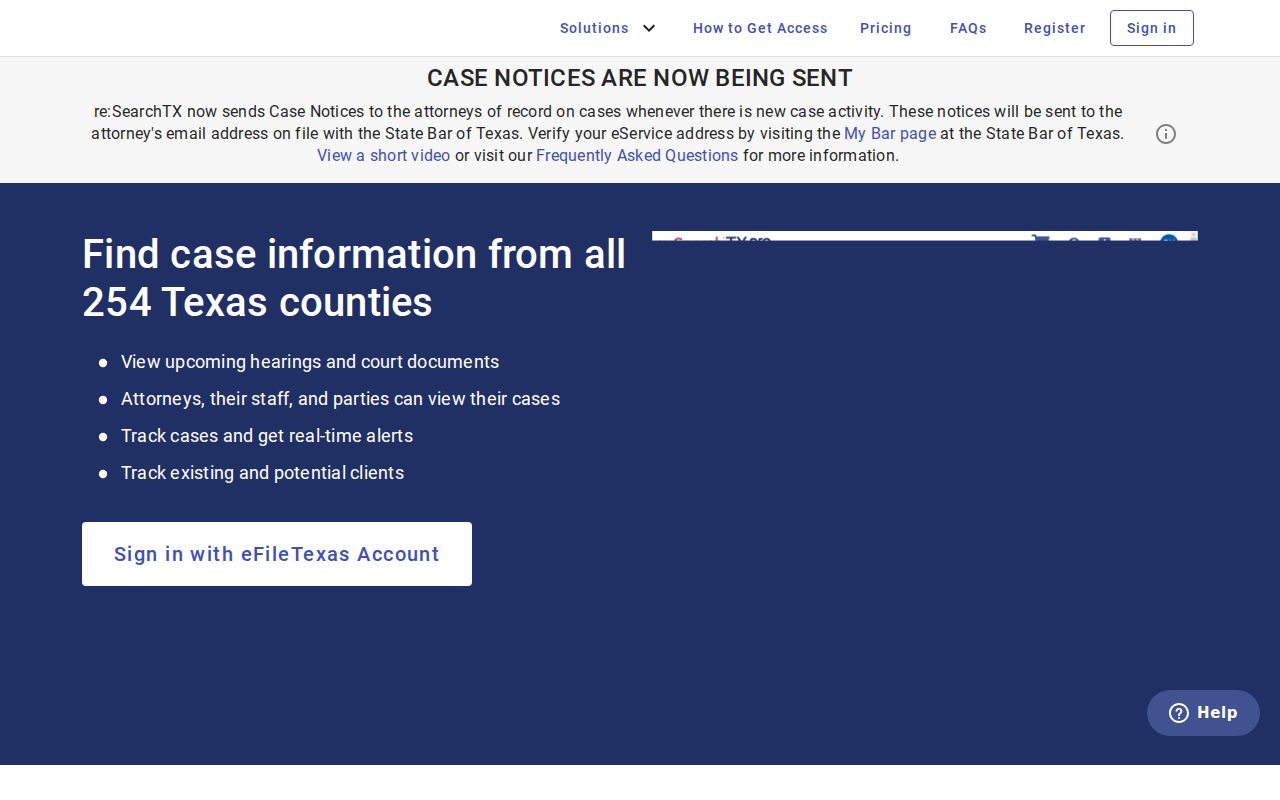
One catch matters here. The public landing page alone cannot confirm that a specific Camp record, document, or field will be available; that only shows after sign-in.
How to Search by Case Number
The strongest identifier is a court-issued cause number. It points to one file in the right system. Type it exactly as printed. Keep the letters, hyphens, and leading zeros intact. If a portal rejects the value, adjust only the formatting the interface allows. Never invent a year or a type code. Expect no universal local pattern. Camp cause numbers follow the issuing court's own format.
Use the exact court-issued cause number when you contact a clerk. Give the court, party names, an approximate filing date, and the item you want. Citation numbers play a similar role for JP or municipal traffic matters. They do not swap in for district cause numbers. Federal cases follow the Eastern District of Texas numbering system. They live in PACER or CM/ECF, not the Texas state repository.
Best Camp County Case Search Identifiers
Rank your identifiers this way. The cause number comes first, then a citation number for a ticket. An exact party name helps, but it can still return several matches. Attorney, filing year, judge, and event type separate them. A city name or courthouse address is the weakest tool. Several Camp courts and clerks all operate in Pittsburg.
For a common name: pair the name with the court, a date range, case type, or known attorney, then verify the case style before relying on the result.
When you call or email, say what you want: a public index, a chronological docket, a particular filing, a signed order, a judgment, or a certified copy. Precise terms keep a broad search from turning into an unclear records request.
What a Camp County Case Search Shows
A result row may show only an identifier and a brief case description. Click through. The detail view may add the county, court, style, type, filed date, status, parties, filings, and hearings. What you see depends on your role and the law. Fields vary. Trust only what the actual result on your screen displays.
| Case number | The court-assigned identifier, copied exactly from the record. |
|---|---|
| Style or parties | The case caption and public party roles. |
| Filed date and type | When the case began and its classified subject. |
| Status | An open, closed, disposed, inactive, or other system label that needs context. |
| Events | Filings, court actions, hearings, resets, and disposition entries when available. |
Read results with care. A result is not always a docket sheet, a docket event is not always a document, and a payment confirmation is not a disposition. Note which item the system actually returned.
When a Camp County Case Is Missing
Start with the basics: spelling, punctuation, date filters, and the right court. Then confirm the record type belongs in that portal. re:SearchTX generally excludes criminal records, per the 2024 state data report, and JP or municipal records may need direct local contact. Sealed, juvenile, expunged, or newly filed cases may stay out of any public result.
Next, call the relevant Camp clerk during published hours, or email a short written request. In person, the District Clerk sits in Room 204, the County Clerk in Room 102, and the Justice Court at its separate Suite C address. Ask about a public terminal, paper docket, archived index, or redacted record, since terminal policies are set at the office. For Pittsburg Class C matters, use the city court or its portal.
County vs Statewide Case Search
Texas offers no single statewide search covering every trial-court case. re:SearchTX is a repository for eligible integrated records, not a complete Camp County docket. The local clerks remain the true source for the files they maintain. Pittsburg's Tyler portal is its own municipal route, and the county's Certified Payments link handles payments rather than serving as a docket archive.
| Route | Coverage | Best use |
|---|---|---|
| re:SearchTX | Eligible integrated state trial records; registered access | Cases, filings, text, and hearing searches |
| Camp clerks | Records held by District, County, or JP offices | Missing results, copies, and certification |
| Pittsburg portal | City municipal matters in its interactive flow | City court record search and payment |
| PACER/CM/ECF | Eastern District of Texas federal cases | Federal docket and documents |
Camp County Case Search Fallback
Two clerk offices split the work. District civil, family, juvenile, and criminal cases sit with the District Clerk. Reach that office at 903-856-3221 or kelly.gunn@co.camp.tx.us. Probate, guardianship, and constitutional County Court records sit with the County Clerk. That number is 903-856-2731, or email sandra.knight@co.camp.tx.us. For justice court matters, the official Justice Court page posts 903-856-3961 along with contacts for civil work and criminal or traffic cases.
Whether you mail a docket request or hand it over the counter, give the clerk enough to find the case. Include the court, the cause or citation number, the exact name, a date range, the record you want, your preferred format, and whether you need a certified copy. Ask first whether mail is accepted for that request and what payment form the clerk requires. No copy fee schedule is published, so never send a guessed amount. The statewide portal's support contact can help with technical trouble. But the local clerk still decides what gets released.
Restricted Cases and Access Rules
Public docket access has hard legal limits. Texas Government Code section 552.0035 keeps judicial information under court rules and other law. It does not fall under the general records statute. Rule 12 of the Rules of Judicial Administration sets the framework for requesting judicial records. Civil cases can be sealed under Rule 76a. Family Code chapter 58 restricts juvenile justice information. Court orders plus other statutes shield adoption files, sensitive family records, addresses, accounts, and personal identifiers.
Say a record did not appear in the public search. Do not claim it does not exist. A clerk facing a restricted court file may hand you a redacted copy, an index with the filing missing, a denial citing authority, or nothing at all. Reading sealed facts into a case number, a court calendar, or a related matter is guesswork. The docket will not support it.
Camp County Filing Is Not Case Search
eFileTexas is a filing system, not a search tool. A filer picks an electronic filing service provider, then enters case and filing details. Papers get uploaded, charges get paid, and the filing comes back accepted or returned. Several case types use it statewide. None of that makes a document visible to every public user in re:SearchTX, though. Filing and public case lookup are separate functions. The manifest-assigned state filing-service source shows the eFileTexas service landing state.
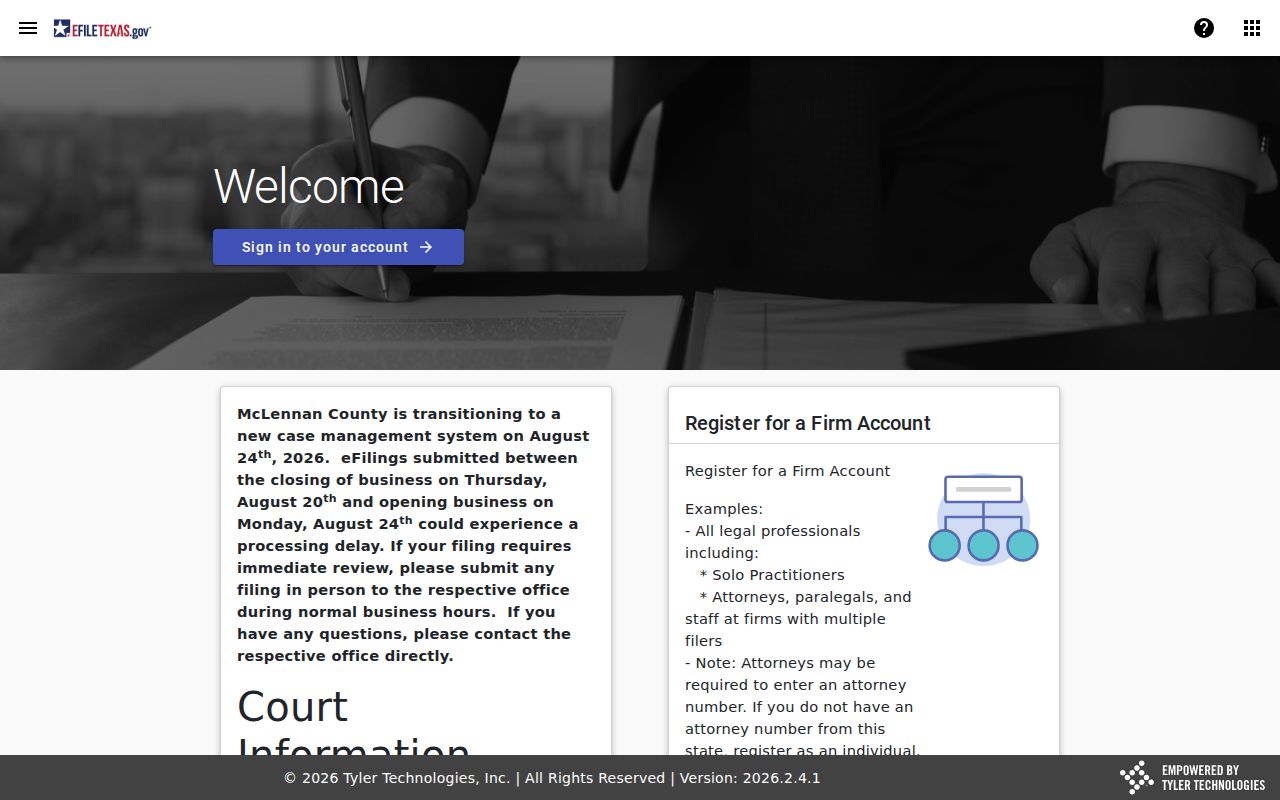
Here is the common trap. Proof of electronic submission proves only that you submitted. It does not show the clerk accepted the filing or that the public Camp County docket has updated.
Camp County District Search Context
The official 276th District Court page identifies one of the regional courts. Its Camp County cases are kept through the local District Clerk.
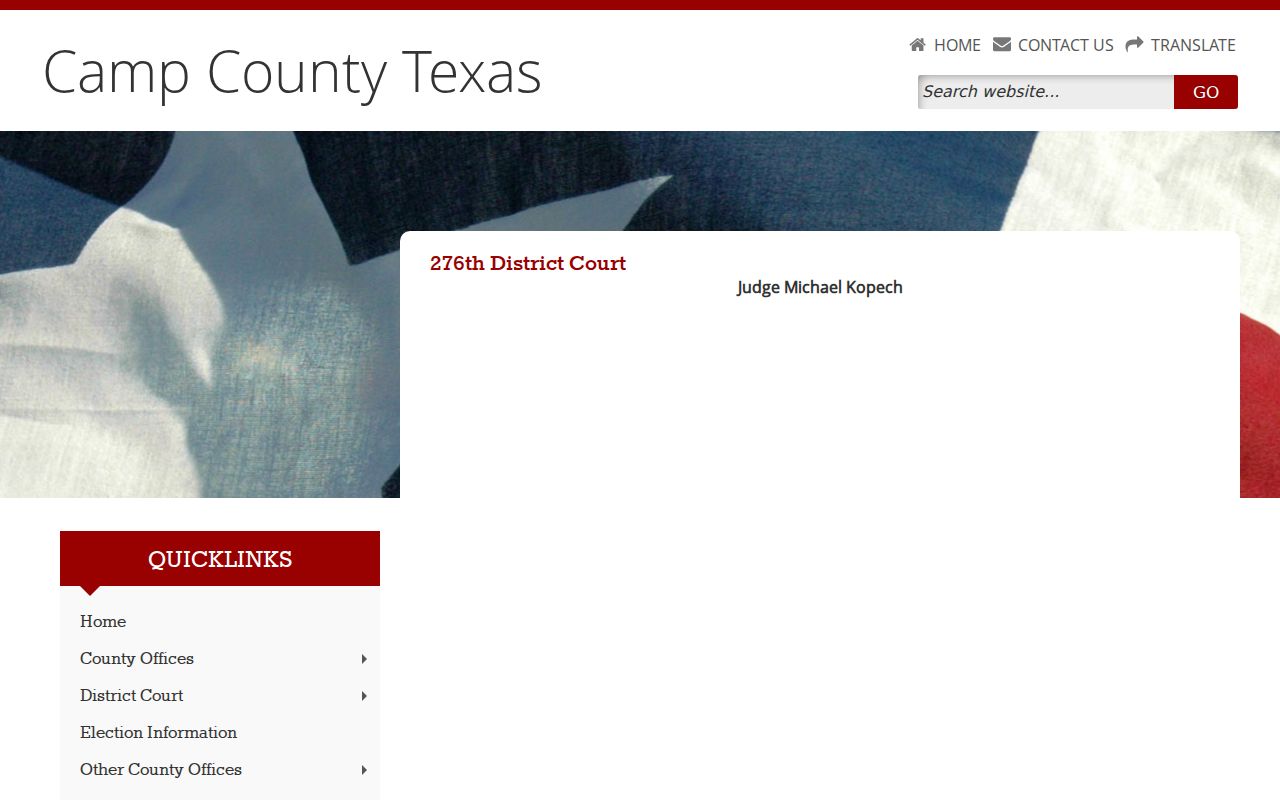
That court page helps confirm which court holds jurisdiction. The actual case lookup still runs through re:SearchTX when eligible, or through the Camp County clerk fallback when it is not.